WinBoat for GNU/Linux
WinBoat is a GNU/Linux app that runs various versions of Windows. i fucked up the first time installing it and had a bitch of a time uninstalling it
but first
i’ll describe how i got it running before the install
initial install, before i fucked it up
WinBoat’s GitHub repo has the current release as an AppImage
after the download, go to the download folder on the command line and execute
chmod +x winboat-X.Y.Z.AppImagewhere X, Y, and Z are the version number. in my case, v0.7.1. note: this is beta software and earlier today, it was v0.6.13 but changed rn when i just now checked for this writing
before first run
install Docker and Docker Compose
sudo pacman -S docker docker-compose

sudo systemctl enable docker
sudo systemctl start docker

sudo usermod -a -G docker username
to start, i use CachyOS, an ArchLinux distro. the first line will probably be different for your distro. the username at the end is your user name that you use to login to your Desktop Environment
finally, be sure the correct Kernel Modules are running
echo -e "ip_tables\niptable_nat" | sudo tee /etc/modules-load.d/iptables.conf
sudo reboot
AppImageLaucher
believe it or not, i’d rather not use the terminal for launching apps and i have an apps folder to prove it. so i use AppImageLauncher. to install
sudo pacman -S appimagelauncherthen i fucked it all up
when you first run WinBoat, from terminal or otherwise, it displays some sort of BIOS or UEFI. i skipped the FreeRDP step of the pre-installation, which is required for a Remote Desktop Connection. i saw the text and the logo but it went by so fast that i couldn’t read it. by the time i went back to GitHub to read the README, i was convinced that, somehow, me not installing FreeRDP caused that text to display
by that time, the Windows 11 installer was in the middle of downloading and i closed WinBoat thinking that the next time i opened it, it would start over
but
it did not start over
it ran the WinBoat again and, of course, nothing happened
so, to uninstall the docker image
sudo docker volume rm winboat
sudo rm -rf /var/lib/docker/volumes
that last line might be unnecessary but i did it anyway (thx Gemini deep research)
and so i started over
WinBoat uses QEMU from your default web browser and, below are some pics of the installation and what i did after
pics
WinBoat lets you install a number of Windows versions, i picked 11 Pro
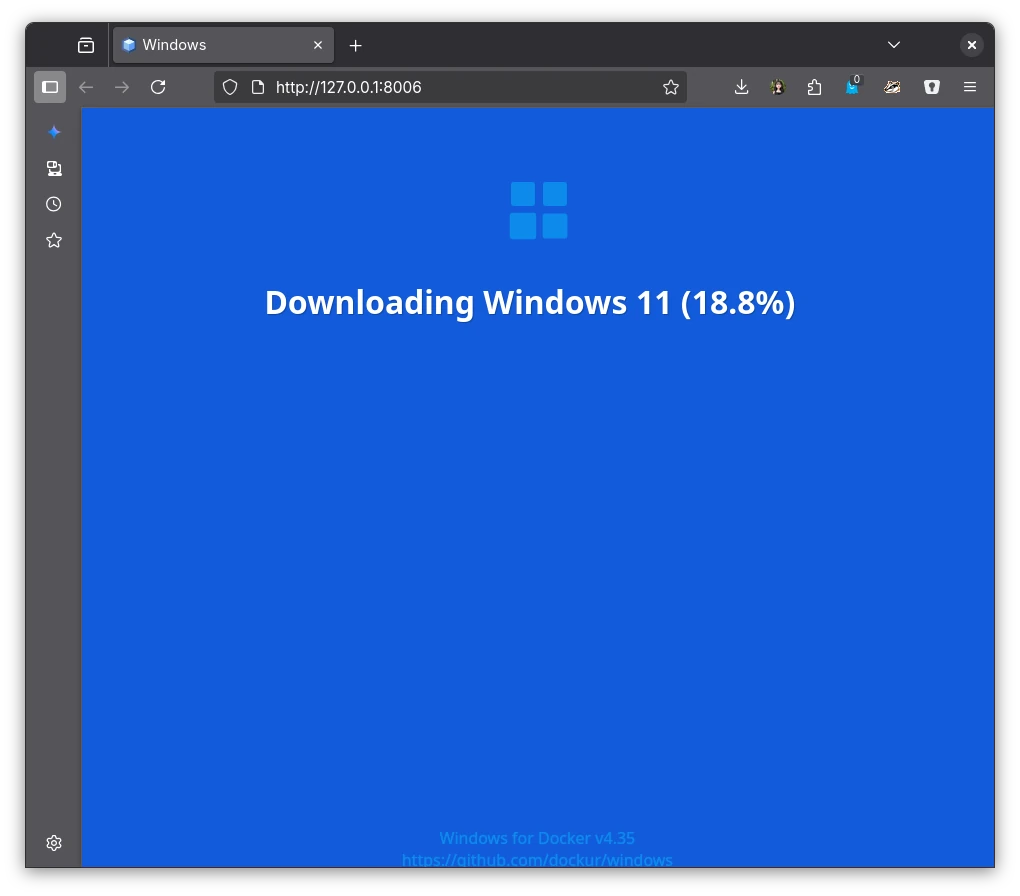
then the install begins
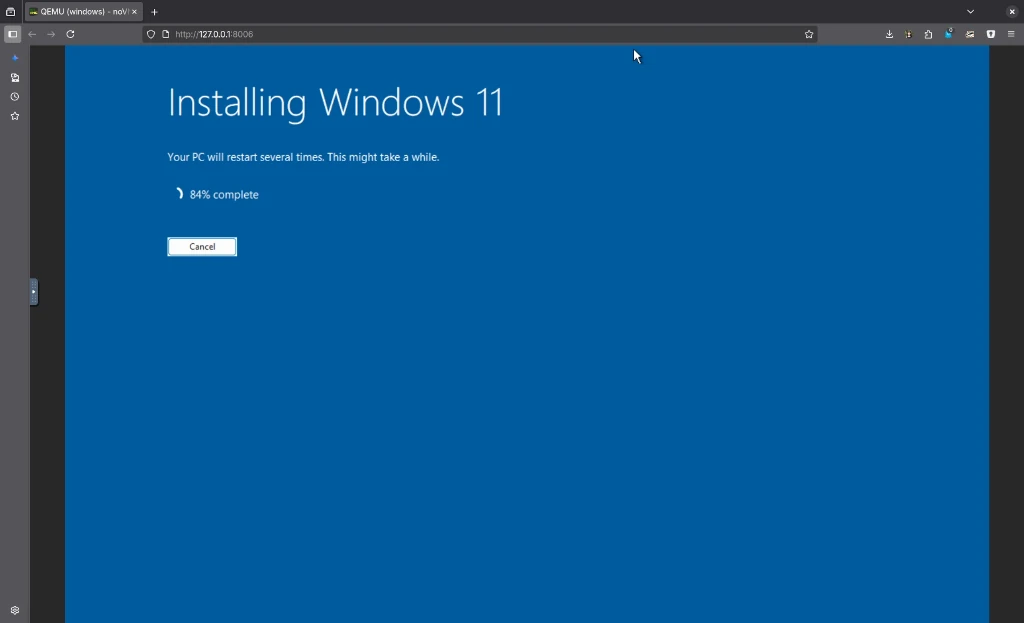
after some restarts, Windows opens with you already logged in
sorry that i didn’t mention it before
but
WinBoat, before it creates the Docker image, prompts for RAM, Cores, and Storage Size
i picked 8 GB, 4, and 64 GB respectively
it also asks for which version of Windows you want and a password to login - this can be anything as it doesn’t link to your Microsoft Account
the next thing i did was a Windows Update
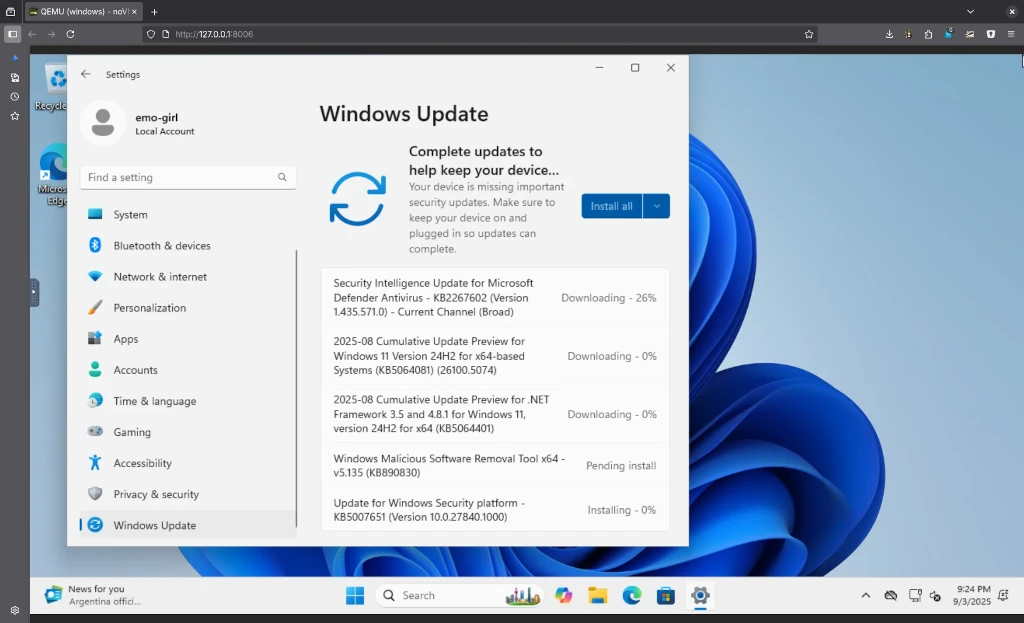
and also updated the apps in the Microsoft Store
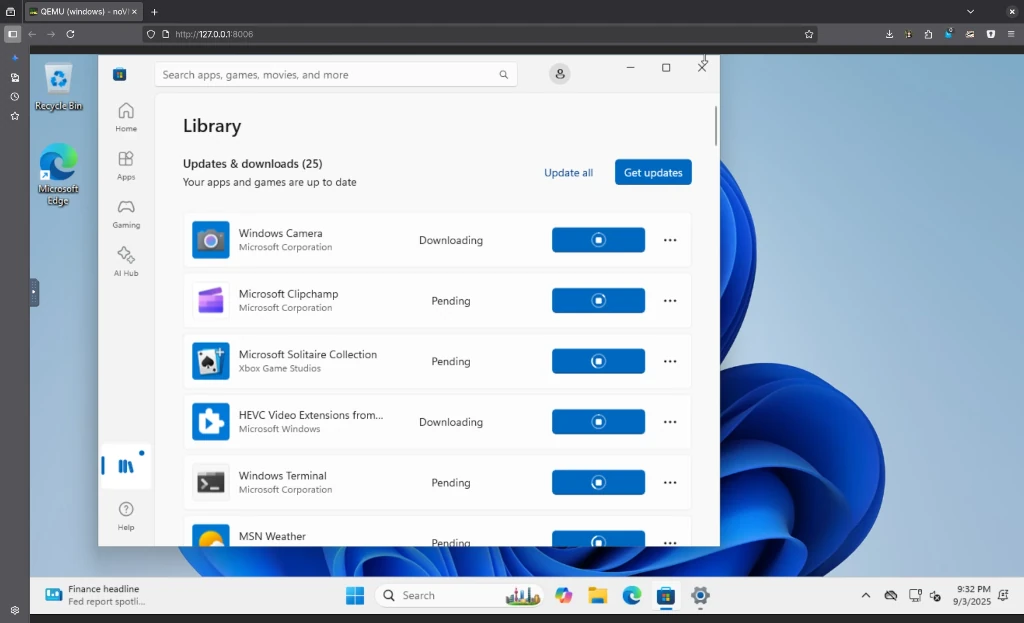
the apps all got updated first and then Windows Update finished and prompted for a reboot, which i did
i had to log in, with password, and was greeted with this minimal desktop and start menu
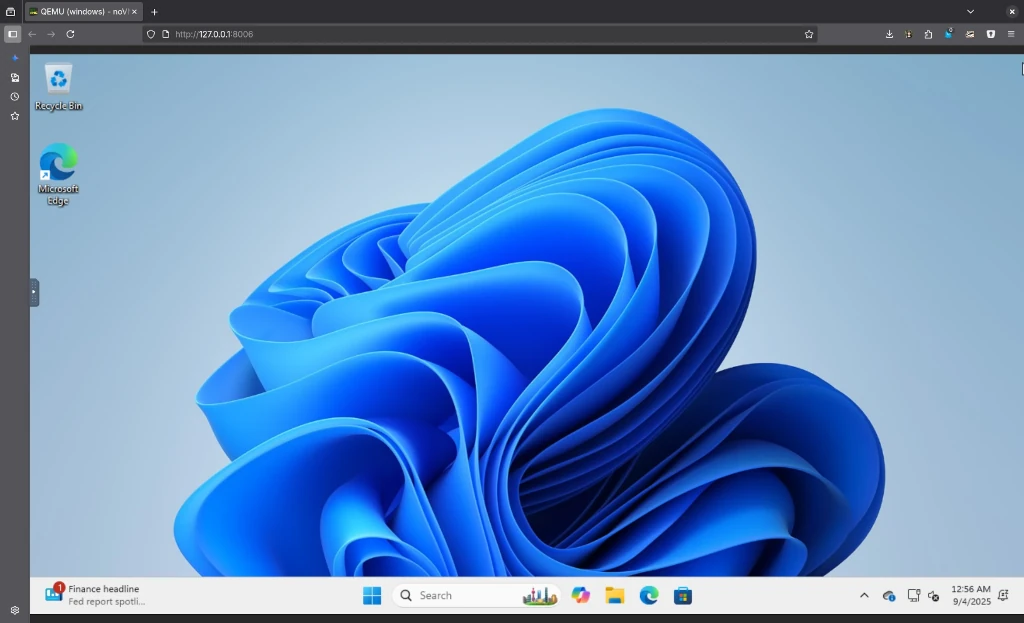
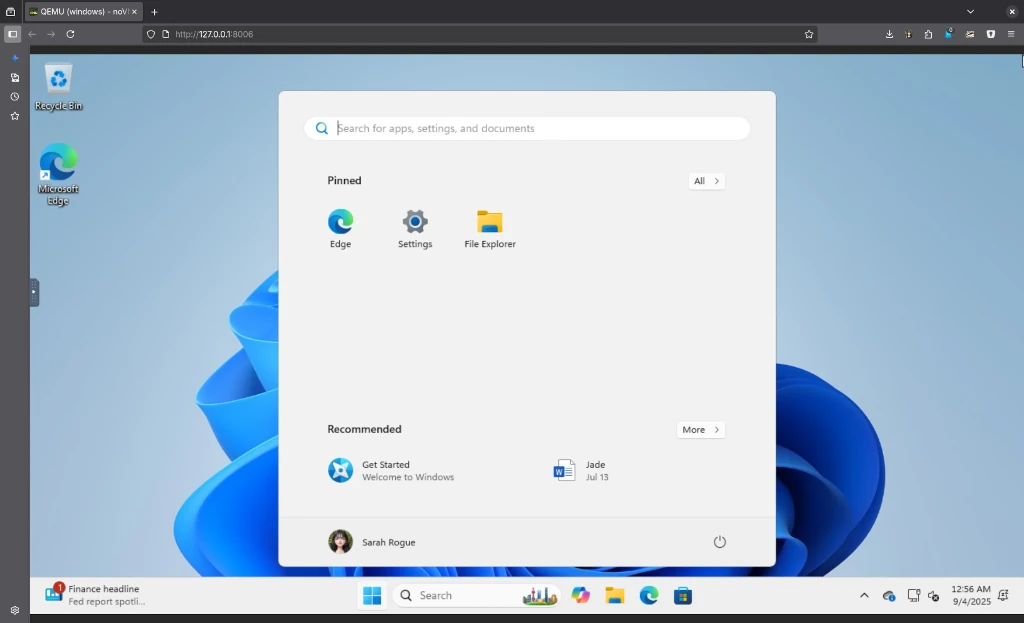
the next Windows update simply installed Defender antivirus signatures, which didn’t require a reboot
caveats
because it is running QEMU in a default web browser, gaming isn’t an option - save maybe the Microsoft games, like Mahjong, Minesweeper, Jigsaw, etc
please use Steam/Proton directly on your GNU/Linux machine for gaming, even simple games
updating WinBoat to the current version involves stopping a WinBoat Windows service and deleting 16 lines at the bottom of the ~/.local/share/applications/appimagekit_*-winboat.desktop file plus removing the old AppImage in your ~/Applications folder
no Bluetooth, microphone input, audio output
stopping QEMU from within the WinBoat app does a hard power-off, i believe (but i could be wrong). pausing works just fine. a shutdown within the Windows QEMU environment is the correct way
it’s constantly prompting me to stop the WinBoatGuestServer
the Windows 11 Pro install, upgrades and app updates consume 20.5 GB of storage
simply moving the cursor isn’t smooth
but
it gets the job done
last words
this project is off to a great start but i doubt i will use it for anything
i can run Microsoft 365 in my web browser on GNU/Linux and there’s an app for everything else i want to do
i’ve tested running games on CachyOS and the fps is the same as on my native Windows 11 partition
so, i really have no need for Windows. sorry, Microsoft
but this project is awesome, a fave, and the tech talk on Discord
hope this information helps